Memories, like on paper.
A small wireless frame with an electronic paper screen. Send a photo from your phone, and one charge can last for months.
Inside
Six parts, not one cable.
01 / 06
Clip-on frame
Sits around the outside, held by magnets. You swap it in one move, no tools.
Clip-on frame
Give it a new face.
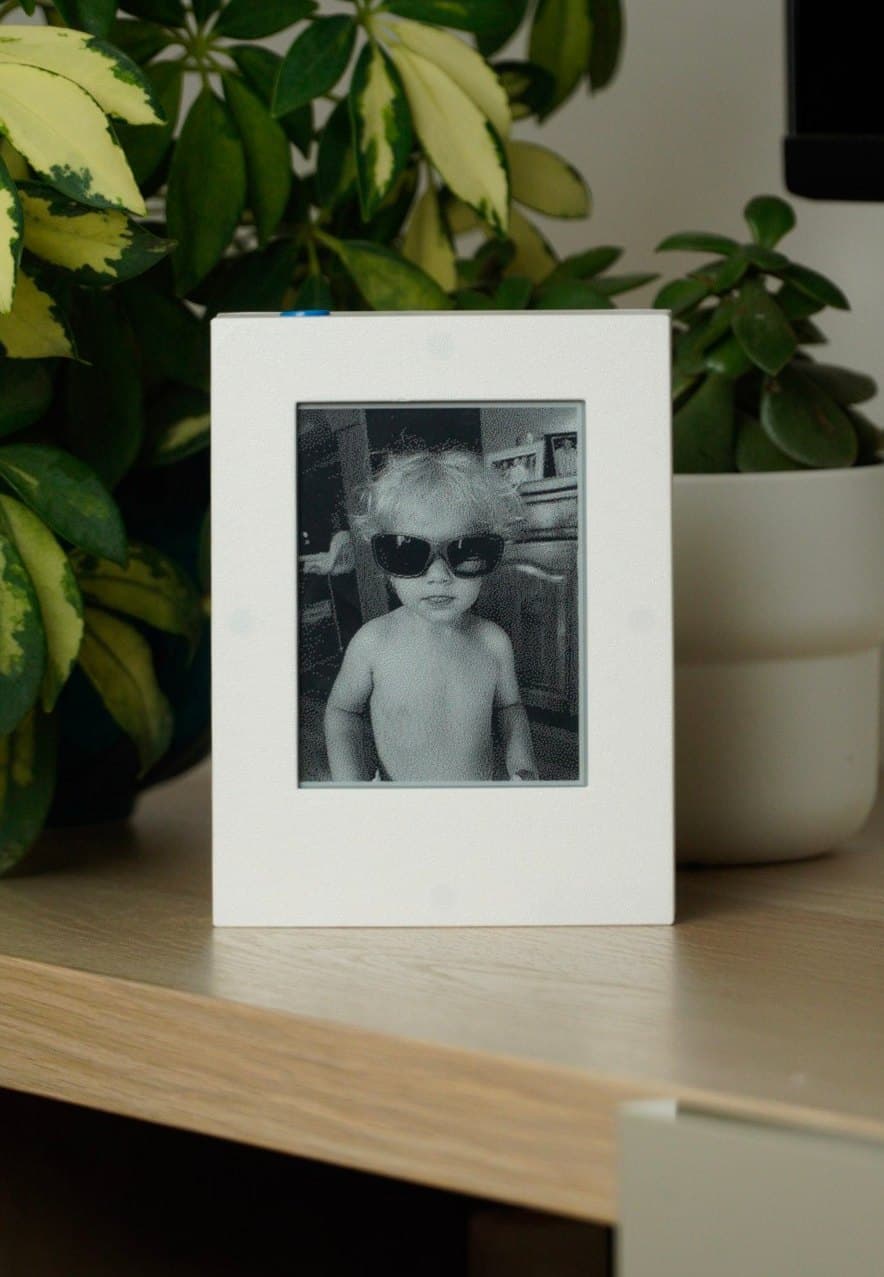
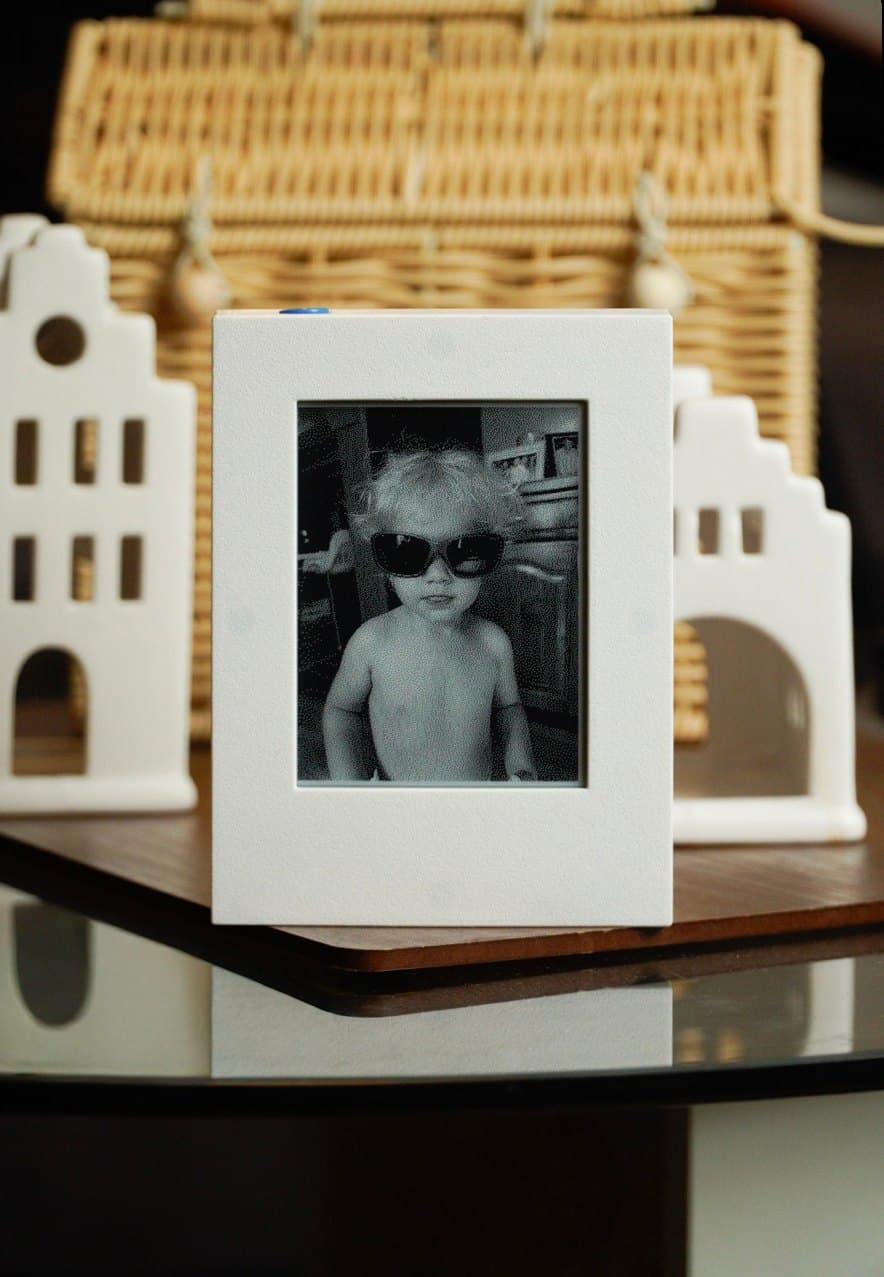
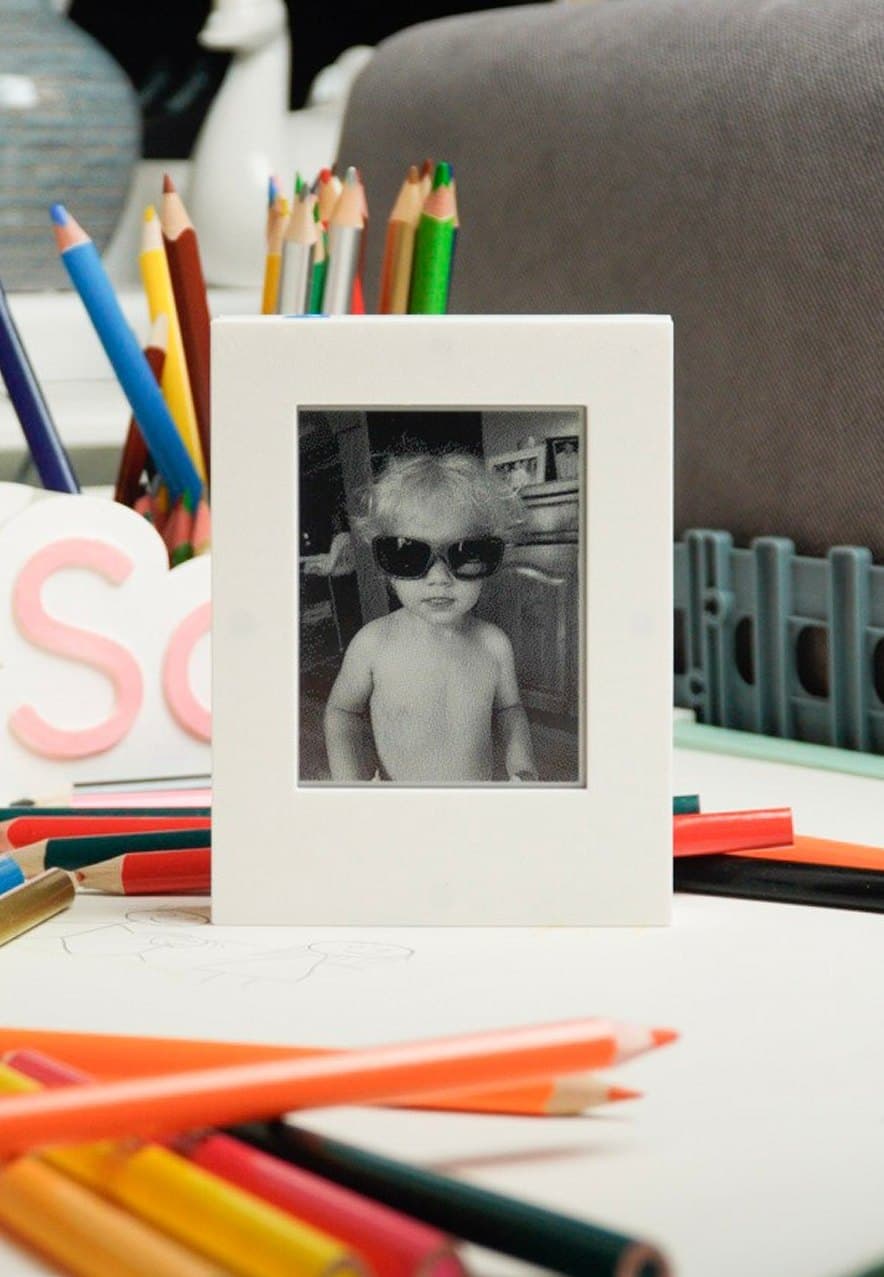
Pick the clip-on frame to suit your space: next to wood, on a white wall, in a dark kitchen. When you redecorate, or simply get tired of one, take it off and put on another. Same frame, a completely different look.
Wood
Mounting
No nails, just a magnet.
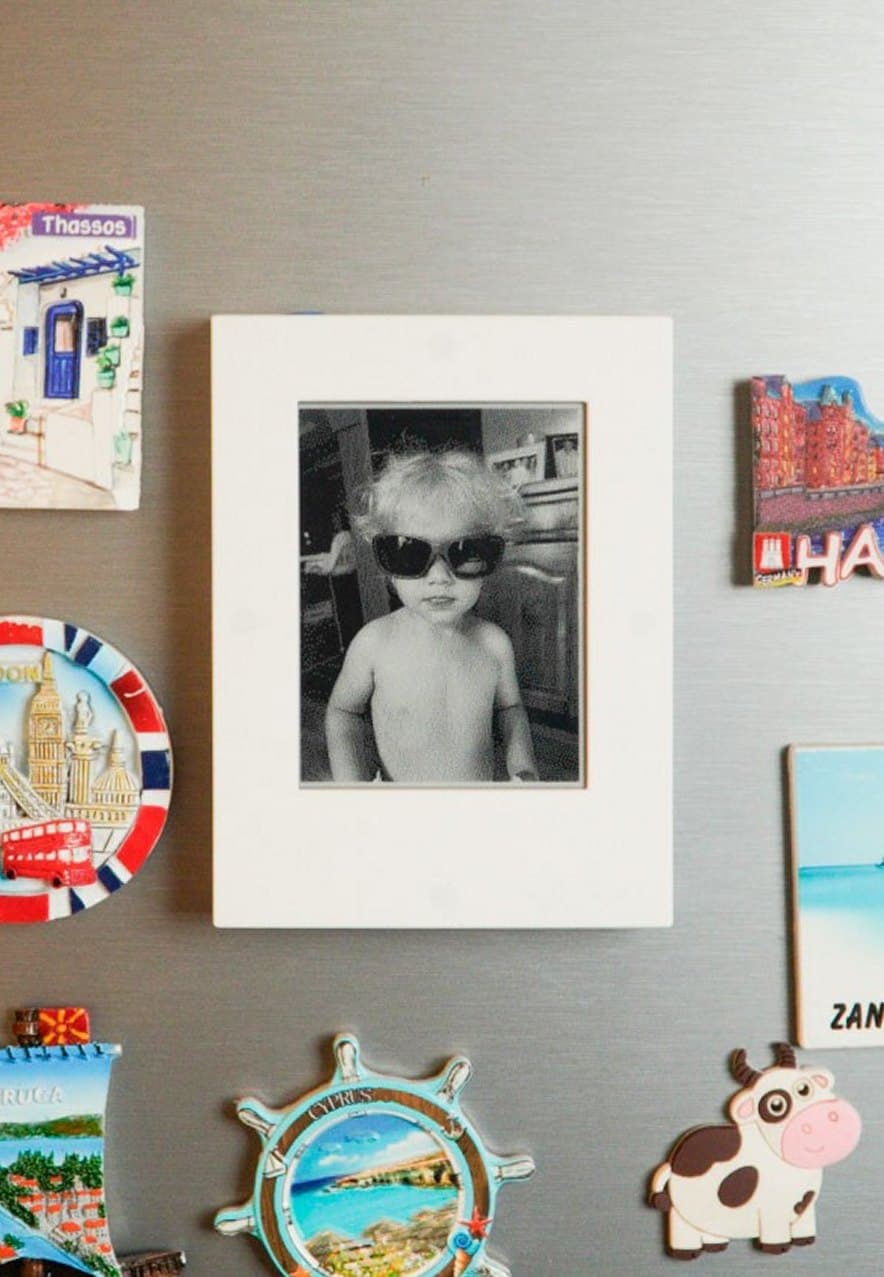
Magnets in the back hold the frame on a fridge or any metal surface. On a shelf or a table it stands on its own. No nails and no dangling cable.
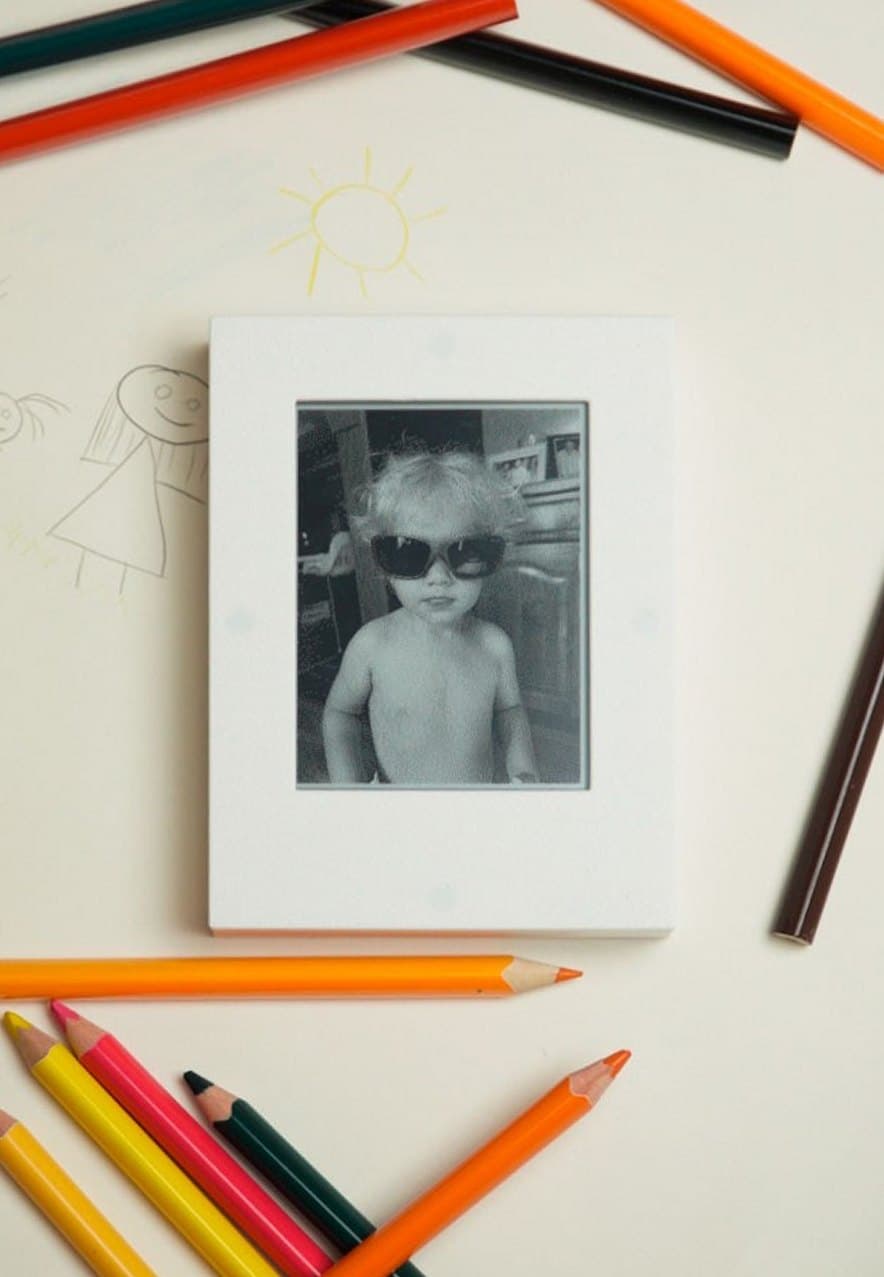
Like paper
Electronic paper doesn't glow. It's lit by the light in the room, just like a printed photograph. So it won't bother you at night, you can read it in sunlight, and the image stays on it even while the frame sleeps.
No backlight
It doesn't glare in the dark or pull your eye the way a screen does.
Readable in daylight
The brighter the room, the clearer the picture.
Power only for changes
It uses power while changing the image. While showing it, it rests.
Try it
Your photo, on paper.
Pick a sample or add your own photo. You'll see it the way the frame shows it: 400 × 300 dots, each one either black or white. Tune it with the same sliders as in the app.
The button on top of the frame works. Click it.
Info screens
More than a picture.
Double-click the button and the frame shows the forecast or a message instead of the photo. After a set time it returns to the picture on its own.
Photos take turns on their own, one at a time.
Pick a city in the app and the frame fetches a fresh forecast by itself.
Write something on your phone and it appears on the frame.
Battery
months
on a single charge.
- A new image every few hoursseveral months
- A new image every 10 minutesabout a month
The one-month figure is with night mode on, when the frame rests while you sleep. You set the pace and night mode in the app.
You set the pace
The less often the frame changes the image, the longer the battery lasts. At every few hours, you only need the charger every few months.
Night mode
You decide when the frame sleeps, to match your routine, and save even more battery.
Frugal screen
Electronic paper only uses the battery while changing the image. While showing it, it rests.
How it works
Three steps, then you forget it.
Pair
Turn the frame on and connect it to your phone over Bluetooth. The frame remembers your Wi-Fi network.
Send
Choose photos in the app. The frame picks them up the next time it wakes.
Stick
Put it on the fridge and that's it. You won't touch it again until it's time to charge.
The app
Set it all up from your phone.
The app is all you need alongside the frame. Use it to send photos and choose how the frame behaves.
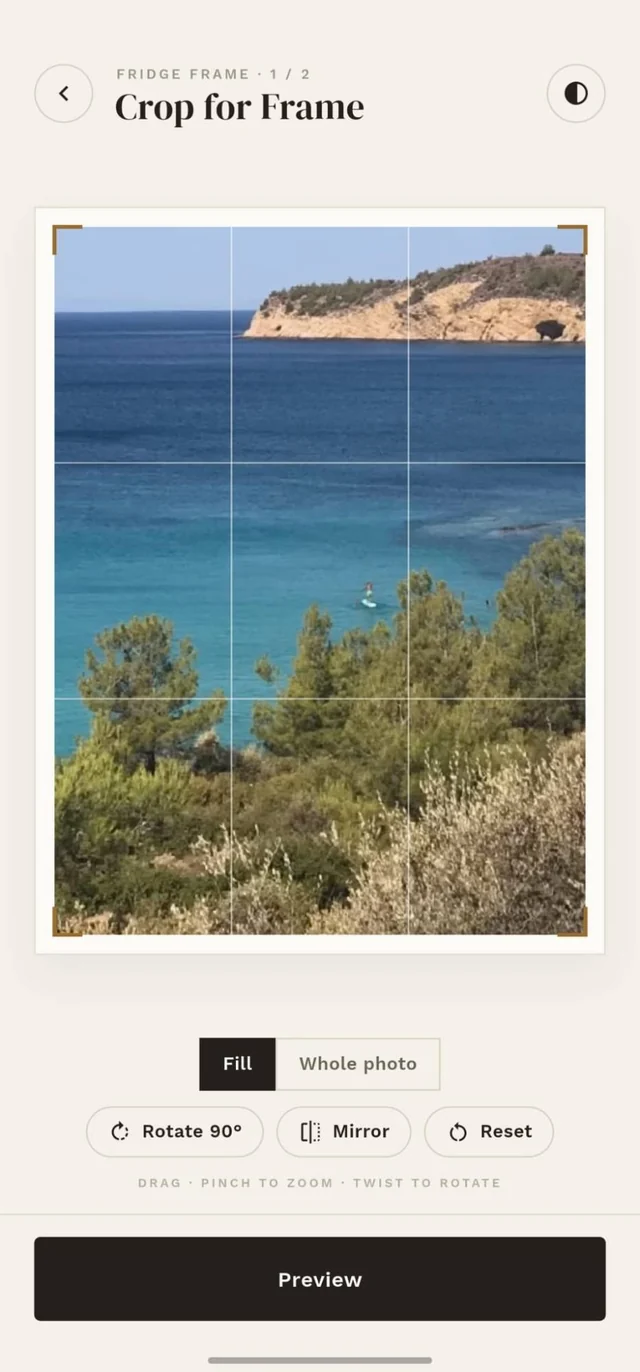
Crop
Drag, zoom and rotate the photo until it sits just right in the frame.
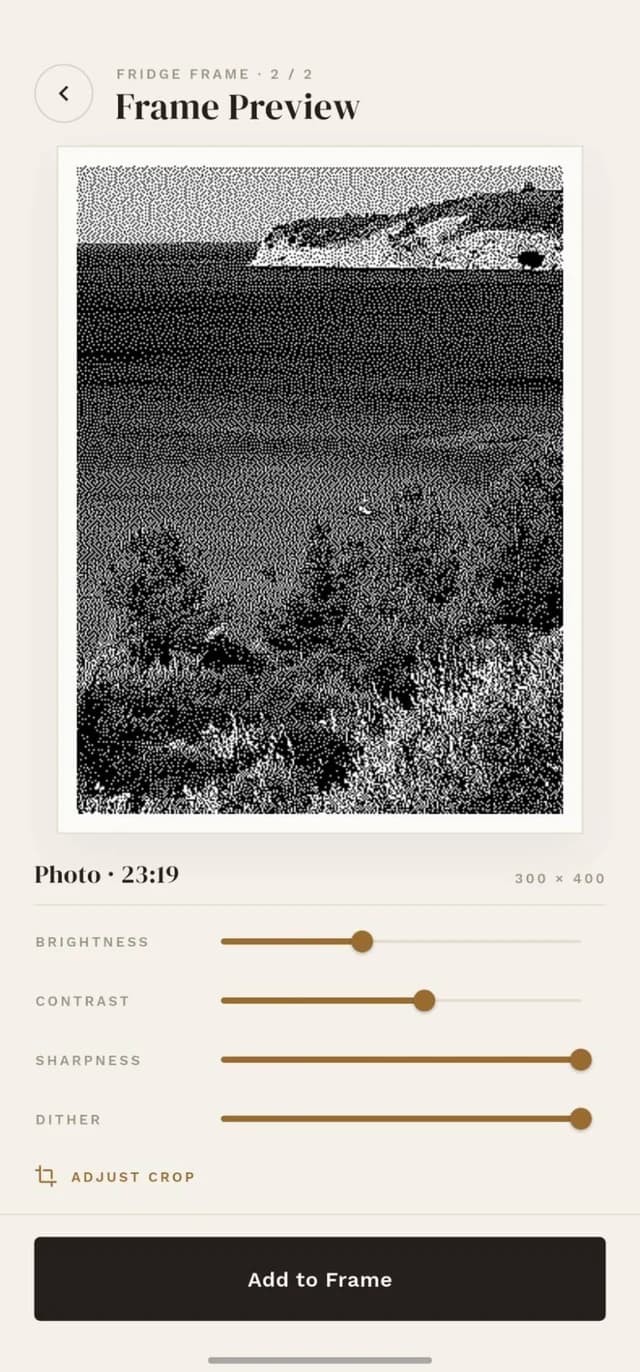
Preview
See how the picture will look on paper before you send it, then tune brightness and contrast.
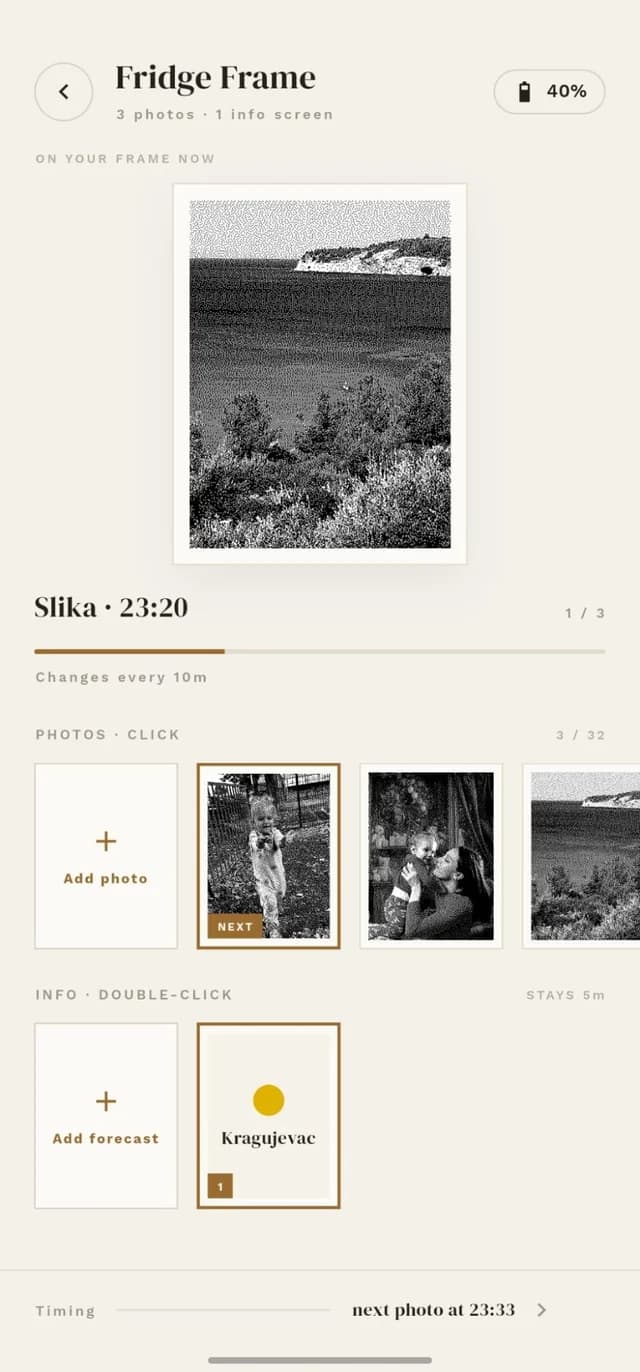
Line them up
See what's on the frame now, what comes next and how much battery is left.
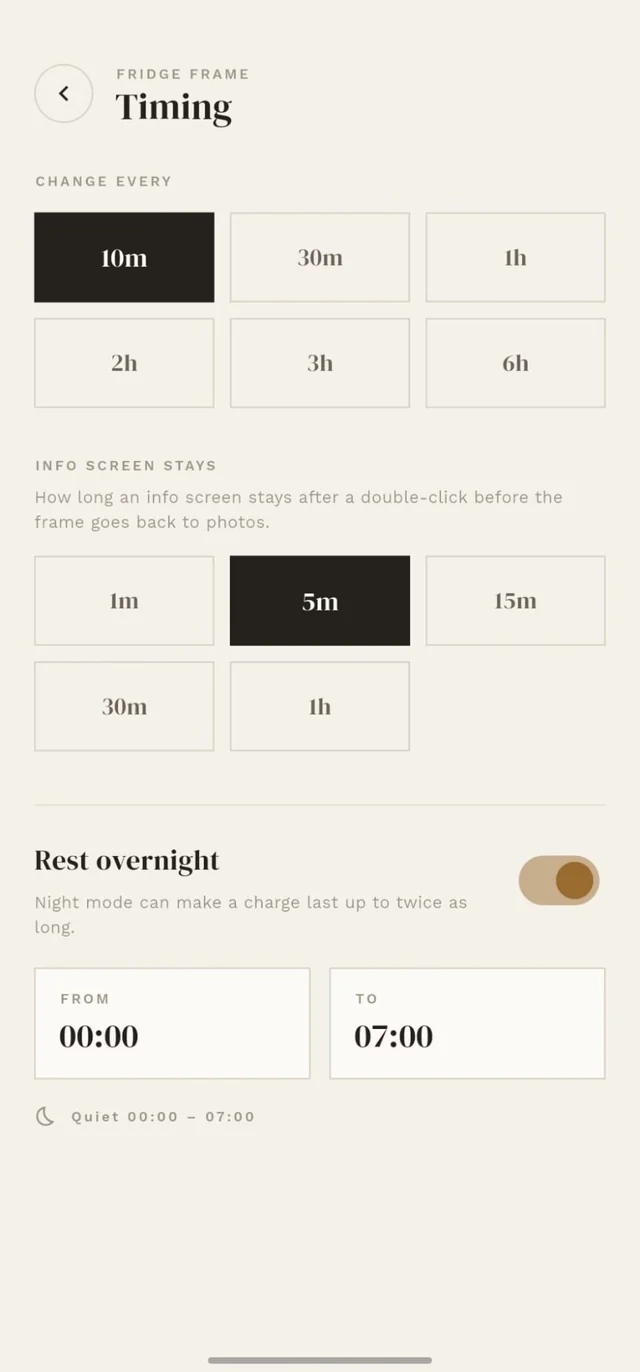
Set the pace
Decide how often the picture changes and when the frame rests at night.
About us
Two people, one frame.
Memophotography is a small team: the two of us. One makes sure the frame works, the other that you'll like it.
Lazar
Software and electronics
The technical side of the team. Makes sure the board, battery and software run quietly and for a long time, so you never have to think about them.
Anja
Design, user experience and marketing
The artistic soul of the team. Looks after how the frame looks, how it's used and how its story reaches you.
Waitlist
Be among the first.
The waitlist tells us how many frames to make in the first batch, and saves your place in line.
8,000
RSD
planned price
- You hear first when sales open.
- You pick your color before anyone else.
- No payment and no obligation.
Questions